How to Track Your Keyword Rankings on Google
In today’s competitive landscape, tracking your keyword rankings on Google is vital for the success of your digital marketing efforts.
1. Use Google Search Console
Set Up: Verify your site on Google Search Console.
Monitor Performance: Navigate to the “Performance” tab to view data on clicks, impressions, and average position for your keywords.

2. Utilize SEO Tools
SEMrush: Provides in-depth analysis of your keyword performance and competitor benchmarking.
Ahrefs: Offers robust keyword tracking features, helping you identify keyword ranking trends over time.
Moz: Another comprehensive tool for keyword tracking and analysis.
3. Leverage Rank Tracking Software
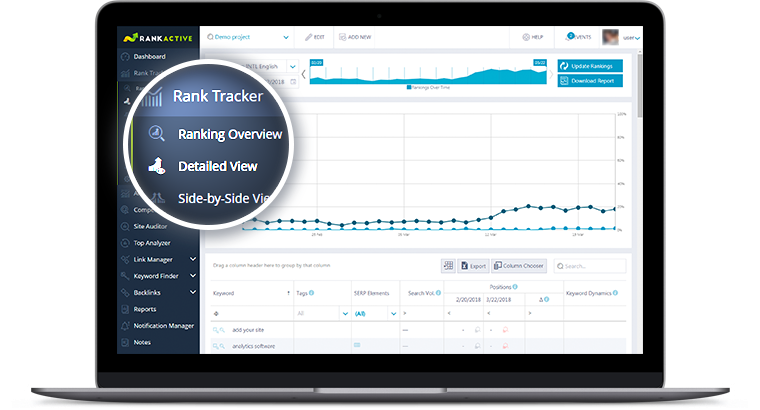
SERPWatcher: Has an intuitive interface for easy keyword ranking tracking.
AccuRanker: Known for its speed and accuracy, providing daily updates on keyword performance.
4. Implement a Marketing Strategy for Tracking
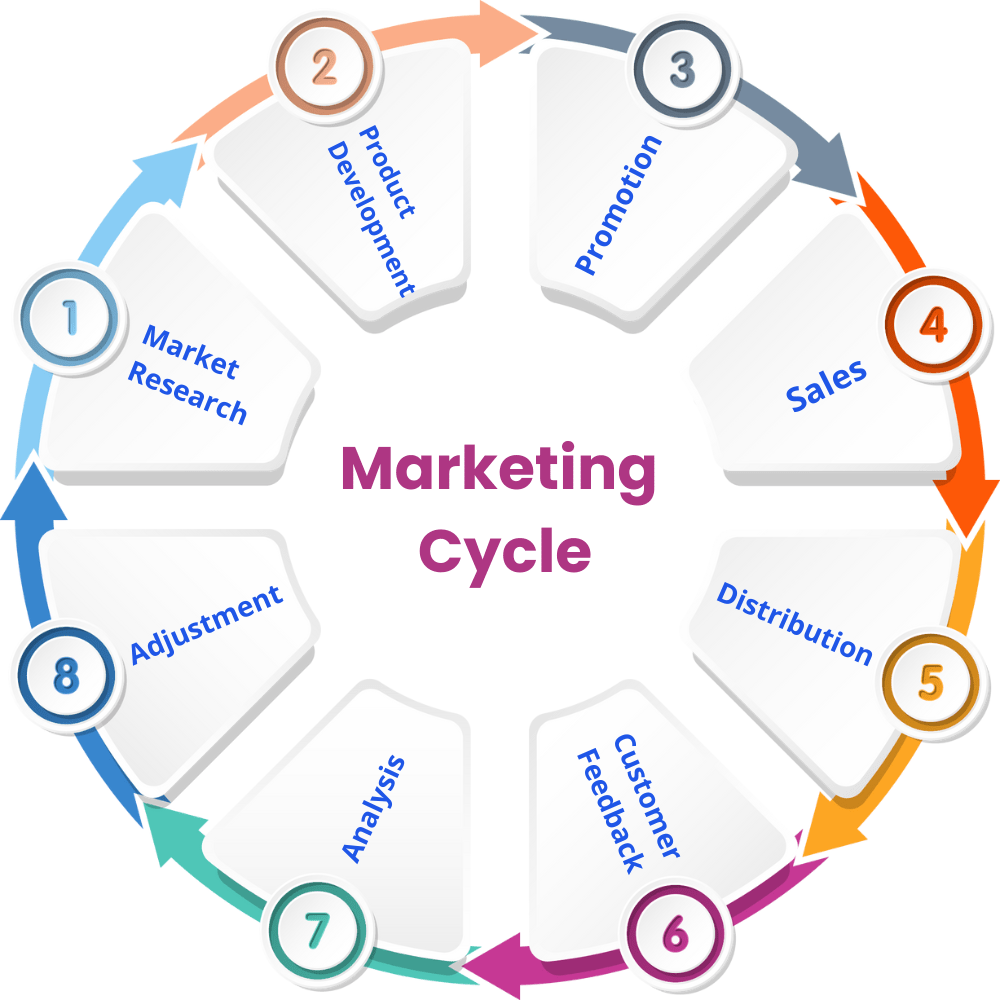
Routine Tracking: Establish a schedule (weekly or monthly) to review keyword rankings.
Adaptation: Modify your content strategy based on keyword performance data.
5. Monitor Competitor Keywords
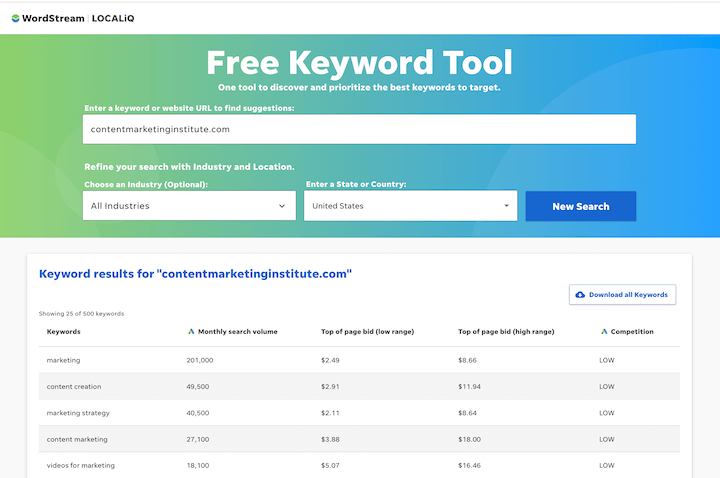
SpyFu: Use to understand which keywords your competitors rank for and identify gaps you can exploit.
SEMrush Keyword Gap Analysis: Helps in identifying opportunities based on competitor keywords.
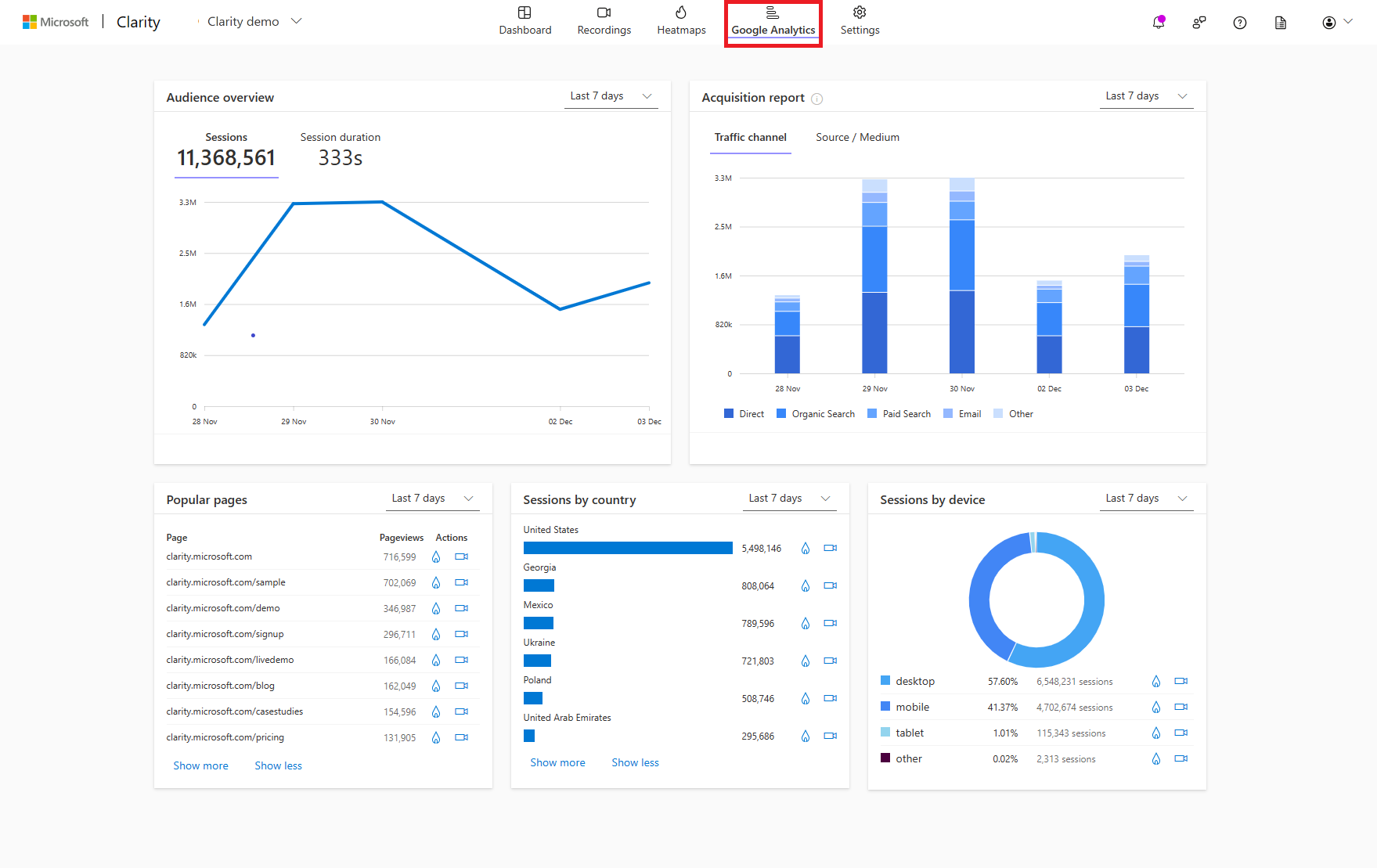
6. Use Google Analytics
Linking: Connect your Google Analytics account with Search Console.
Analysis: Use the “Acquisition” reports to see keyword-driven traffic and behavior.
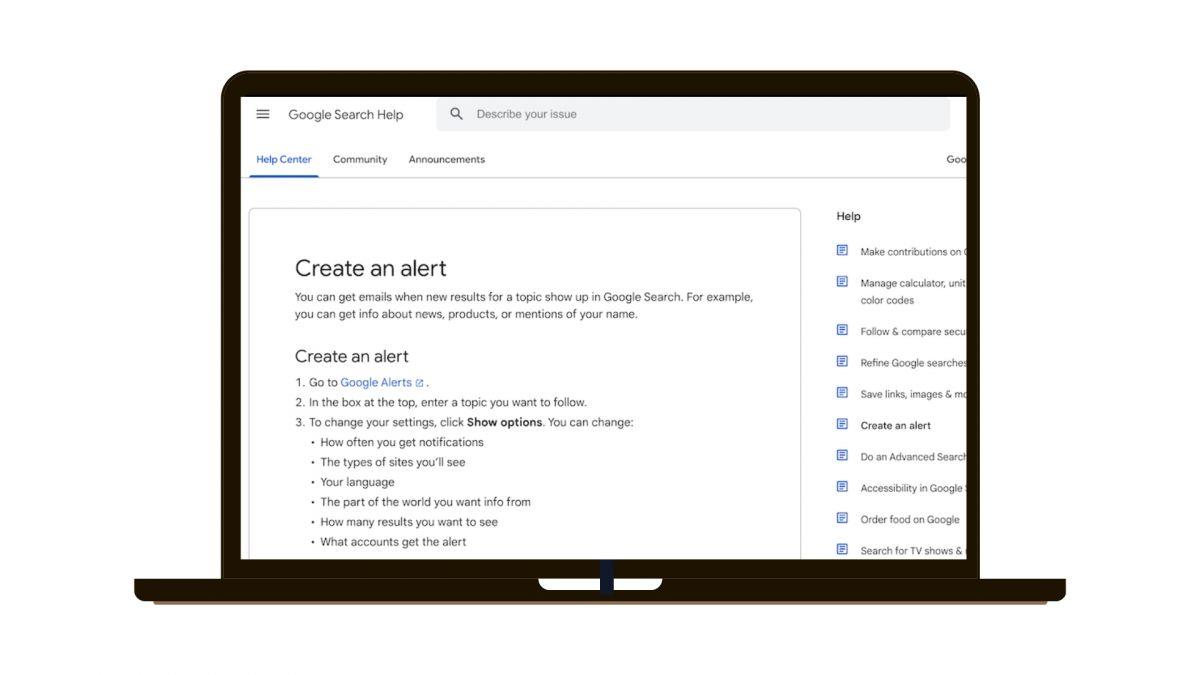
7. Set Up Alerts
Configuration: Define which keywords you want to monitor closely.
Response: Adjust your SEO strategy based on the alerts received.

Comments
Post a Comment